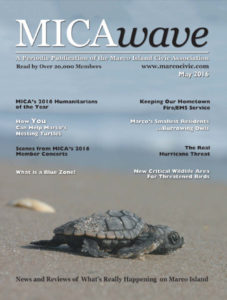
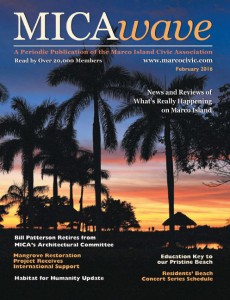
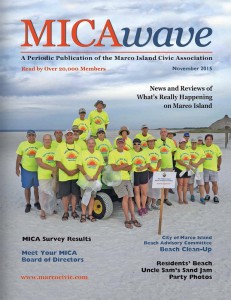
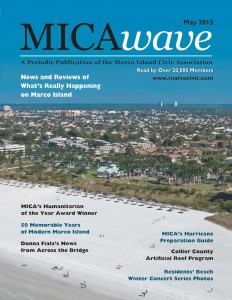
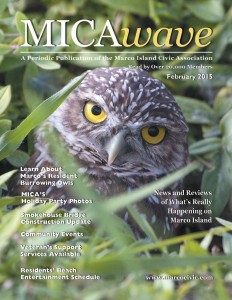
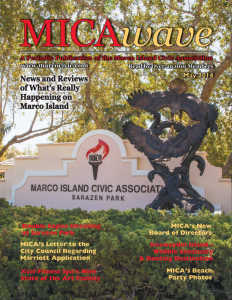
MICAWave

All MICAWAVE documents are stored in Portable Document Format (PDF). Stored PDF documents are accessed, displayed and printed using the Adobe® Acrobat® Reader. If you do not have the Acrobat Reader installed on your system, select "Get Acrobat" to download a free copy from Adobe Systems Incorporated.
Once the Acrobat® Reader has been downloaded onto your local system, make note of its path and location. When displaying any .pdf file from this site for the first time, a few more steps may be required. First, select the document desired. At the Unknown File Type window select the Pick App... button. From here, use the Browse feature to identify the path where the Acrobat® Reader is stored on your system then select OK. The downloading activity will commence.


    2012